Emulaplay system
Emulaplay system
This is a digital emulator
🎁Free lifetime support - Free gift with purchase
🔒Worry-free purchase - 7-day money-back guarantee
📤Get it instantly - Buy and receive it now!!
🔒100% secure payment - Your information is protected ✓
Couldn't load pickup availability
local_shipping Buy now and receive it immediately!
I installed it and it works great. Adding consoles is incredibly easy; now I can play PS3 classics and the PS3 version of Minecraft. The system recognizes Xbox 360 and PS4 controllers, and the games work perfectly. I really missed the introduction of the PS2; I love it.
Liam M.
★★★★★
t brought back that feeling I hadn't felt in years. The thrill of starting something and wanting to play. Without having to travel. Without getting bored. Without becoming truly addicted.
Demian.w
★★★★★
Get it immediately
Get it immediately
Get instant access to the Emulaplay VIP room and watch all the tutorials and installers.
Access the VIP room
Access the VIP room
Your emulation package is located in the VIP lounge; once purchased, no shipping is required.
7-day guarantee
7-day guarantee
Emulaplay wants you to be 100% satisfied with your purchase, which is why we offer a 7-day money-back guarantee. If you're not satisfied after purchasing or can't boot the system, you can request a refund within 7 days.

Emulaplay system
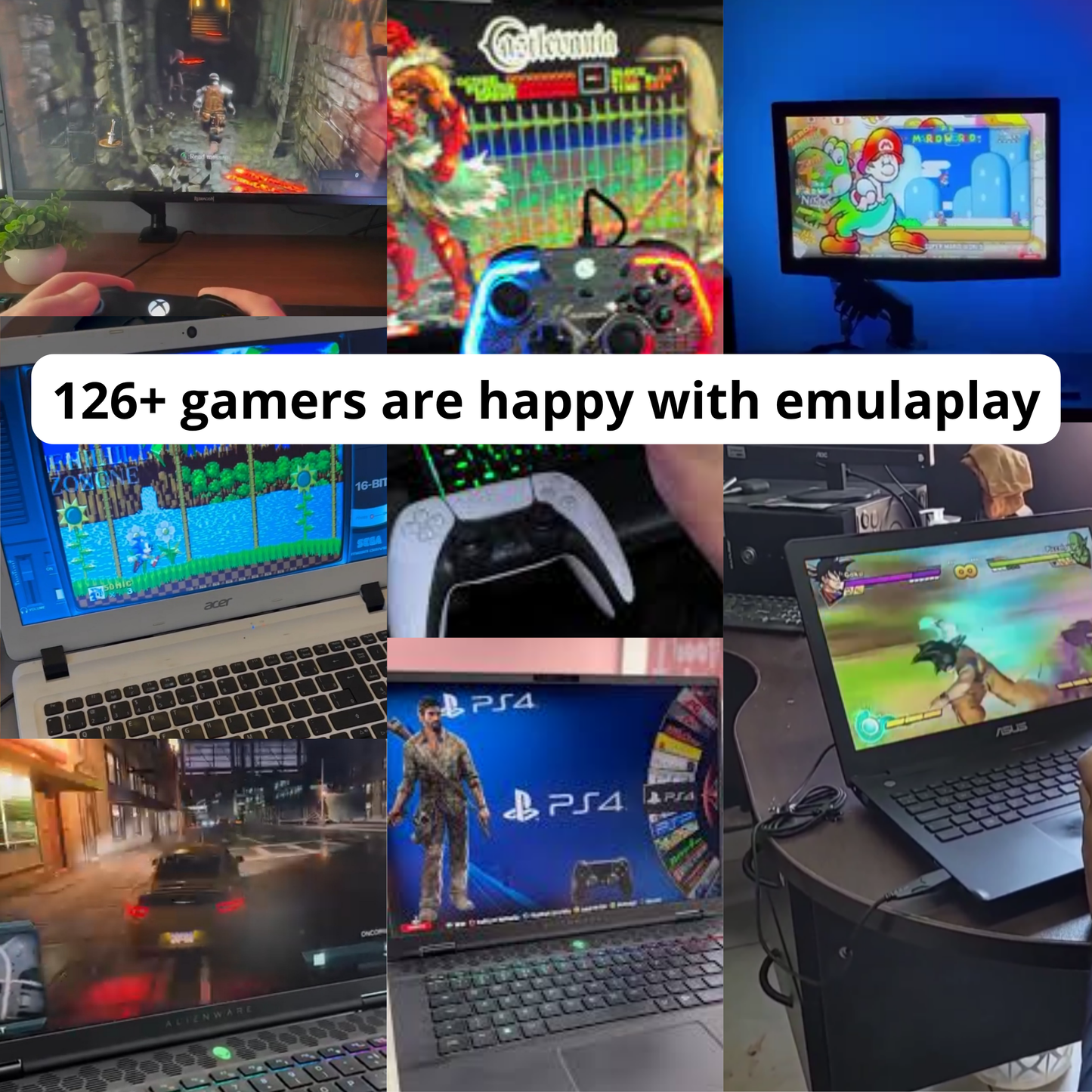
Hear the opinions of over 100 customers like you!
FAQs
Save game progress to continue later?
Answer: Yes! You can save your progress and continue from where you left off.
Can I install Emula Play on an external hard drive?
Answer: Yes! You can install Emula Play on an external hard drive. This way, it won't take up space on your computer.
If I buy Emula Play now, will I receive something by mail?
Answer: No, you will get access to the Emulaplay private room; you won't have to wait for any shipment; access will be immediate.
Do I need internet to play?
An internet connection is not required to play.
What if I can't download it?
Emulaplay offers a second installation method, a backup method in case the first one doesn't work.
How much space do I need for the basic system?
The compressed (zipped) folder named 2a77a08b-83cb-4bcf-8f19-ef4905635caa is 6.36 MB in size. Once the zip file is extracted, the folder named gpbox-manager is 11.6 MB. After downloading the entire system, the zip folder named GPBOXPC.zip is 71.1 GB. The system, ready to use, named GPBOXPC, is 85.0 GB.
Can I add games to the basic emulator?
Yes, you can.
Play like before, without a console
Remember when you could turn on your console and play for hours without a care in the world? You'd like to relive that feeling, but it's not as easy as it once was. With Emulaplay, you can rediscover that pleasure in just a few minutes. Open it, choose a game, and start playing!
Download. Install. Remember.
No endless manuals, no frustration, no wasted time. Just a couple of simple steps and you're back to that place where everything was simple and playing was enough to make you happy.
Minimum requirements:
• Operating system: Windows® 10 64-bit (preferred) • Processor: Intel® Core™ i3 Dual Core 3 GHz or AMD Ryzen 3 • RAM: 8 GB • Graphics: Intel HD 620 or NVIDIA® GeForce® GTX or AMD Radeon™ R5 • Disk space: 150 GB available in the standard version • Disk space: 1 TB available in the Premium Pack version